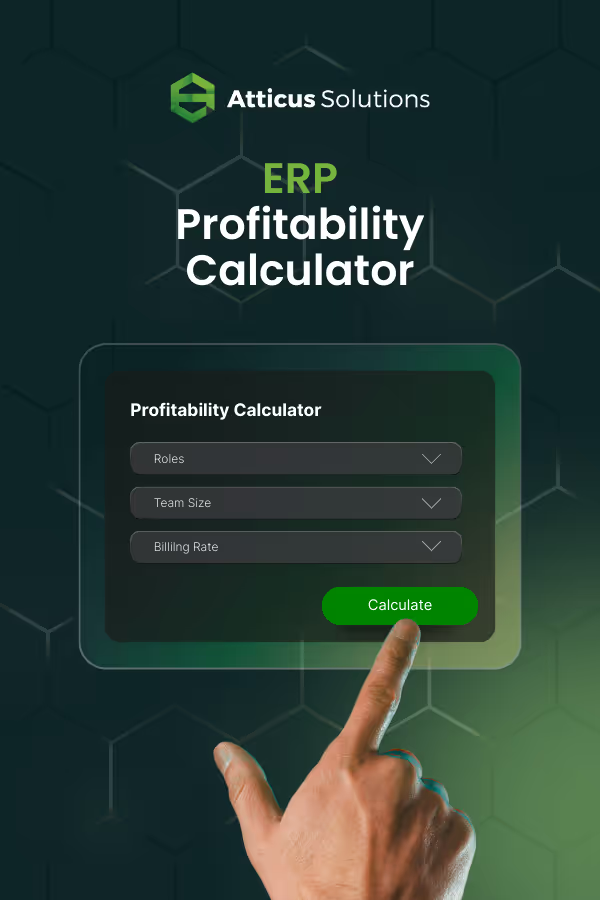
ERP PROJECT
PROFITABILITY CALCULATOR
WHAT IT SHOWS YOU

Team Composition Scenarios
Compare all-local staffing vs strategic offshore mix across different utilization levels.

Service Delivery Cost Models
What it costs to deliver bookkeeping, monthly close, and tax services under different team structures.

Capacity Planning
How team composition affects client capacity and service delivery bandwidth.

Staffing Flexibility
What seasonal scaling looks like with different offshore utilization models (20%, 50%, 80%).

HOW TO USE THIS CALCULATOR
1
Enter your current team structure.
Firm size. Roles you're running. Services you're delivering.
2
Model your next hiring scenario.
Add the roles you're planning to hire. Test different offshore utilization levels (20%, 50%, 80%).
3
Compare the outcomes.
See how each scenario affects service delivery costs, capacity, and operational flexibility.
Recruiting and Placement
We place accounting professionals aligned to your service delivery model and client needs.
Training and Upskilling
Your offshore team develops alongside your firm so service quality improves as you grow
Retention and Management
94% retention means stable teams that learn your processes and maintain service consistency.
COMMON QUESTIONS
Can offshore teams handle NetSuite implementations?
Yes. Our teams handle configurations, customizations, integrations, and technical support across NetSuite, Dynamics 365, SAP, and Oracle projects.
Does this calculator show full costs?
Yes. All costs include base salary, benefits, overhead, and management fees for both U.S. and offshore roles.
How do offshore % and role count work together?
Offshore % = portion of project work handled offshore. Role count = specific roles in your team model.
Percentage determines project cost basis. Roles determine delivery capability and blended rate structure.
What roles typically stay onshore in a blended model?
Client-facing consulting, solution architecture, change management, and executive stakeholder relationships typically remain onshore.
Why can't I delete the first role?
The calculator needs one role minimum to compute blended rates. Change type or count freely.